Work is completed
A job, estimate, or order becomes ready to bill.
Products / Run Operations
Create and revise invoices, send a professional PDF, record payments, and keep outstanding balances visible.
Build my invoicing demo ↗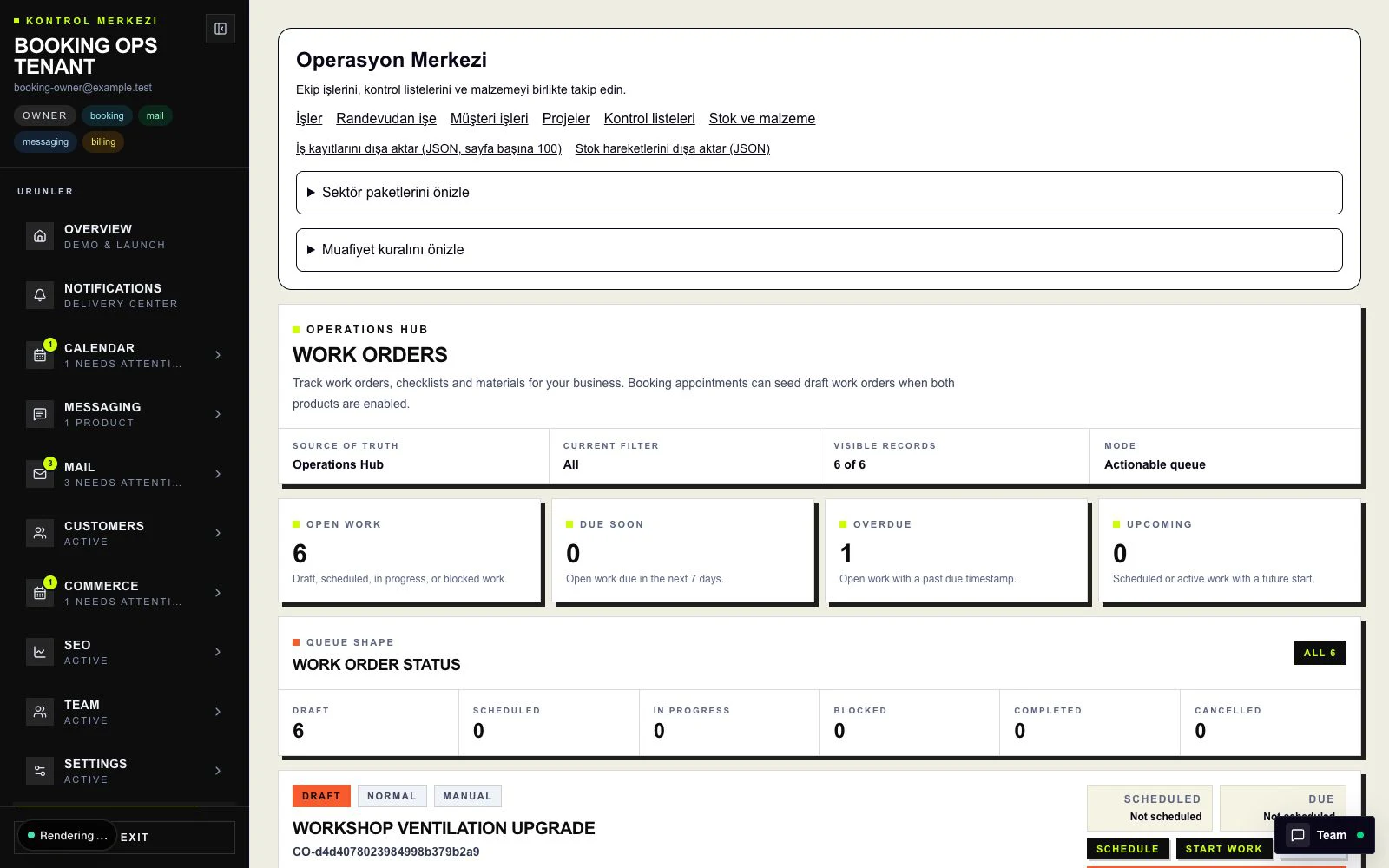
Where demand leaks
When invoices live in disconnected tools or on paper, it is hard to know what was sent, what was paid, and what is overdue.
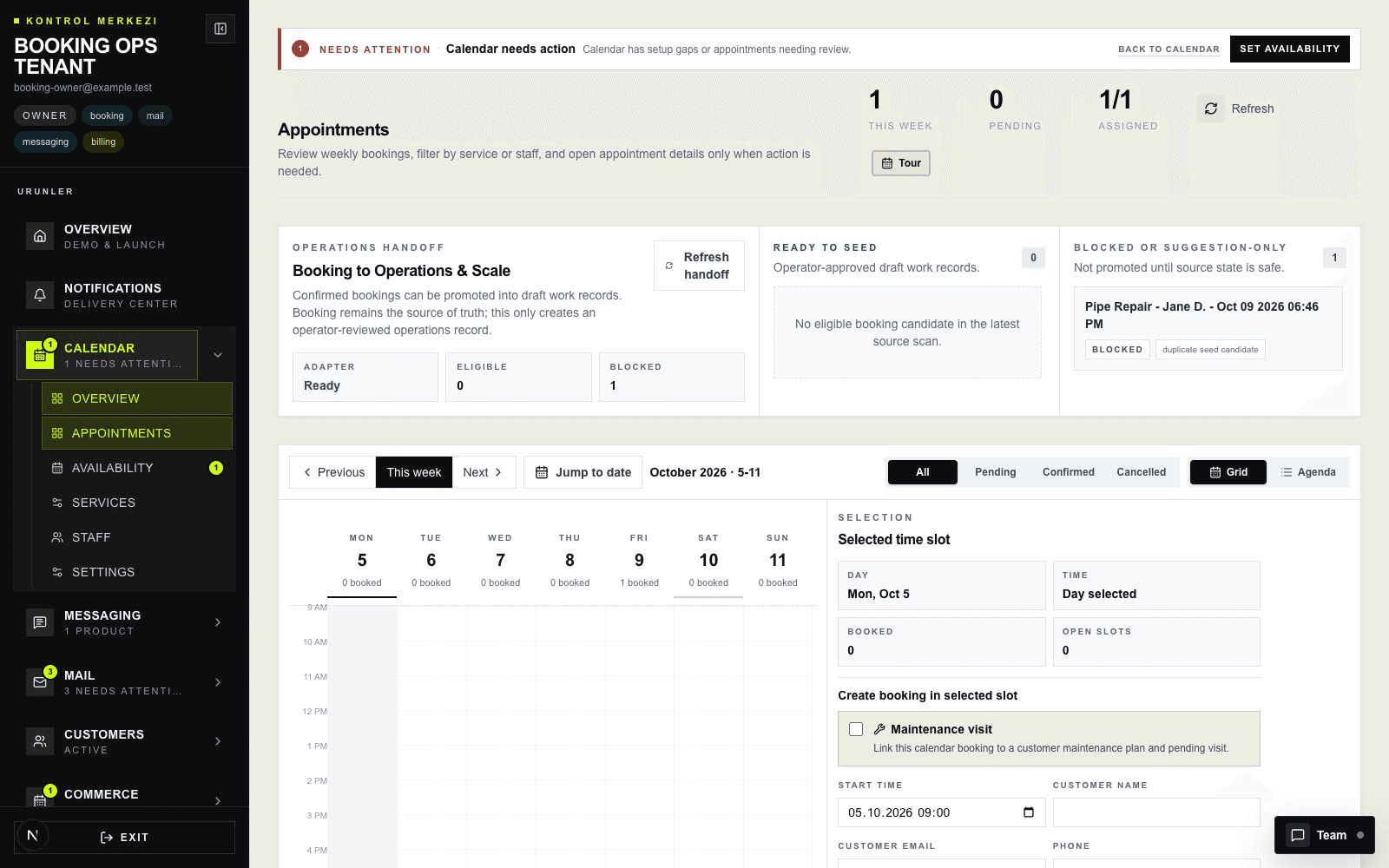
Appointment calendar workspace
What it handles
You prepare invoices, send them, and track payment status in one place.
Kutavio ↗Keeps invoices connected to the customer's next action.
Kutavio ↗Keeps invoices connected to the customer's next action.
Kutavio ↗Keeps invoices connected to the customer's next action.
Kutavio ↗Keeps invoices connected to the customer's next action.
Kutavio ↗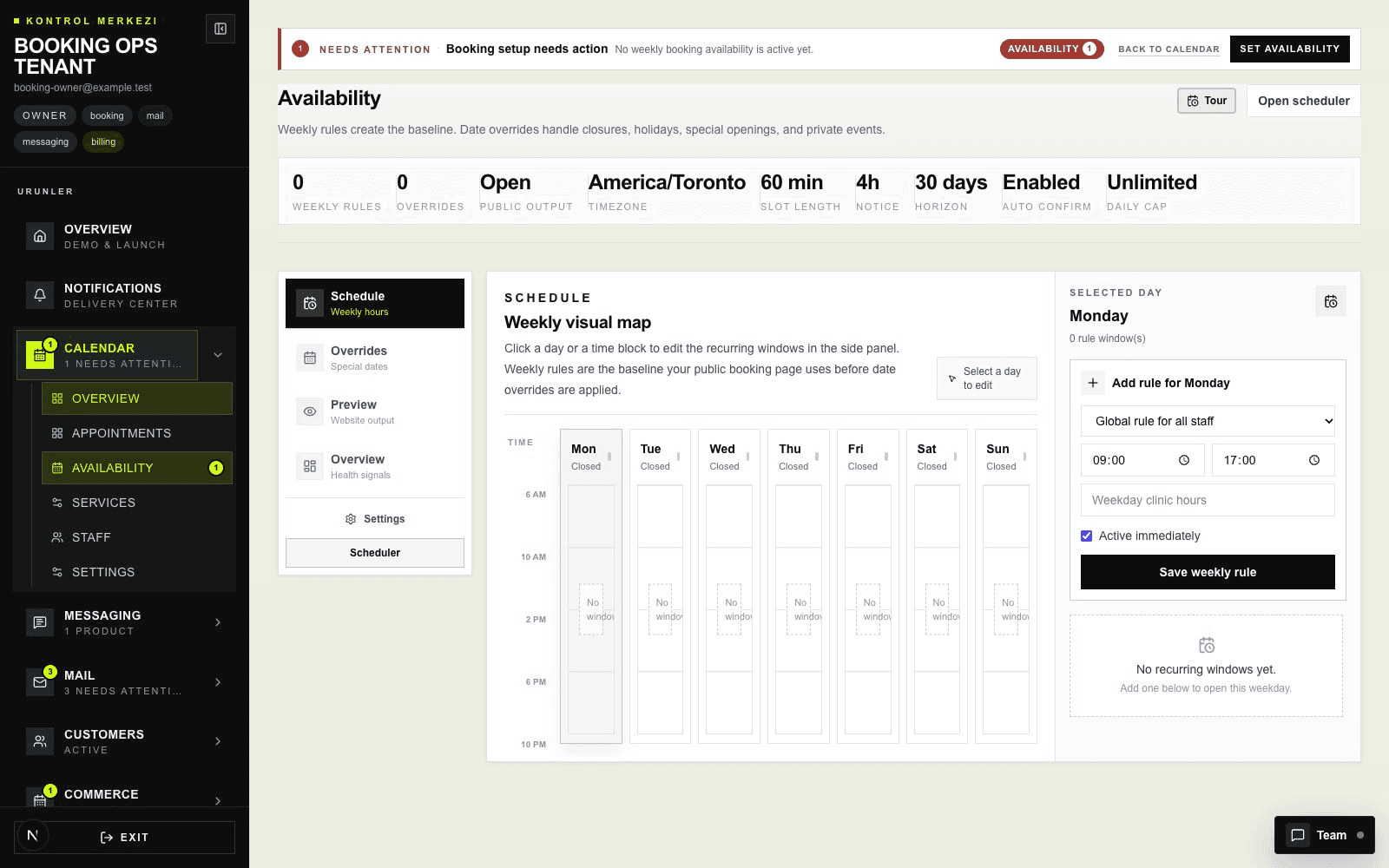
Core business calendar
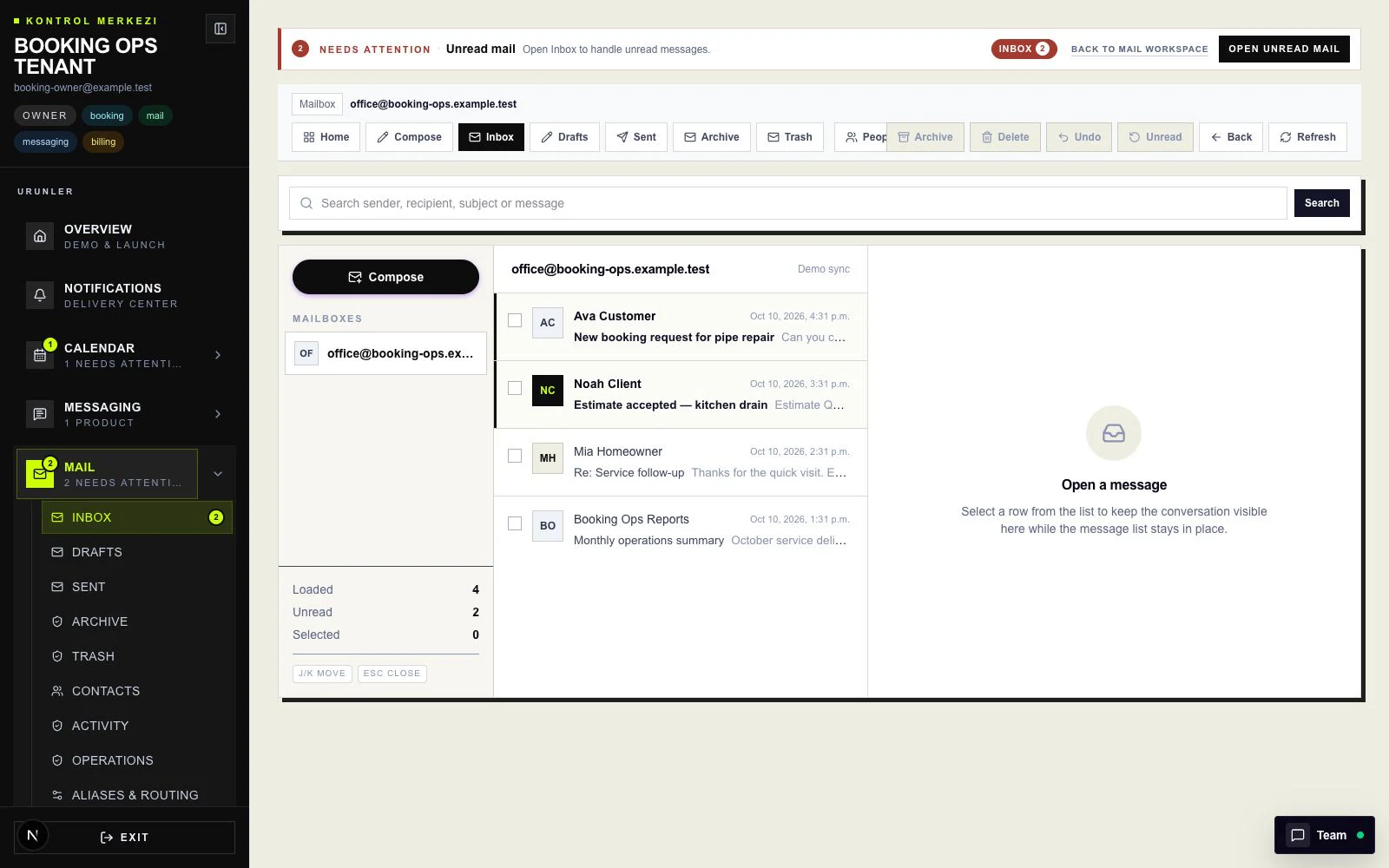
Business email workspace
Connected system
From action to result
A job, estimate, or order becomes ready to bill.
Line items, totals, and customer details come together in one view.
The customer receives a professional PDF they can pay against.
The owner marks payments and sees what is still outstanding.